
ImageFramer – Your Art. Showcased.
Easily add frames, mats and borders to your art
We believe that your art looks better in a suitable frame
ImageFramer is the framing solution for macOS.
Quickly and beautifully frame photographs, digital art, Etsy shop listings, family snapshots — any image you can get onto your Mac.
Choose from thousands of photorealistic or artistic frames and mats, layered in endless combinations.
Add text and image overlays, including watermarks to digitally sign your original artwork.
Who uses ImageFramer?
Professional artists, photographers, bloggers, scrapbookers, craft enthusiasts, and anyone who just wants better looking family photos.
Showcase your art with lifelike frames for a professional look, find the perfect frame by comparing multiple designs, or just have fun with your image library
From greeting cards and calendars to websites, proposals, and professional framing, ImageFramer is a delightful addition to your creative toolbox.
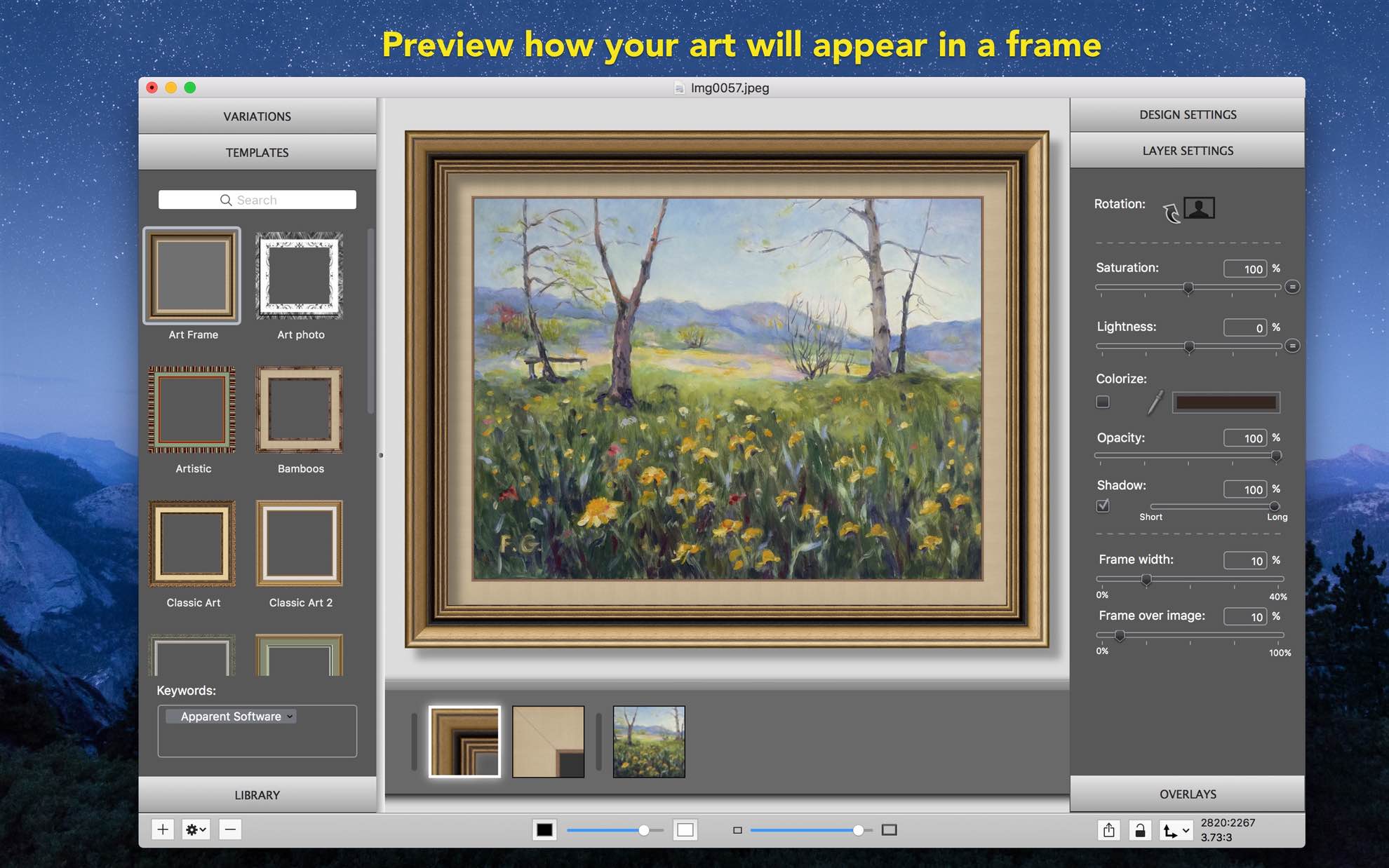
Preview
Preview how your art will appear in a frame
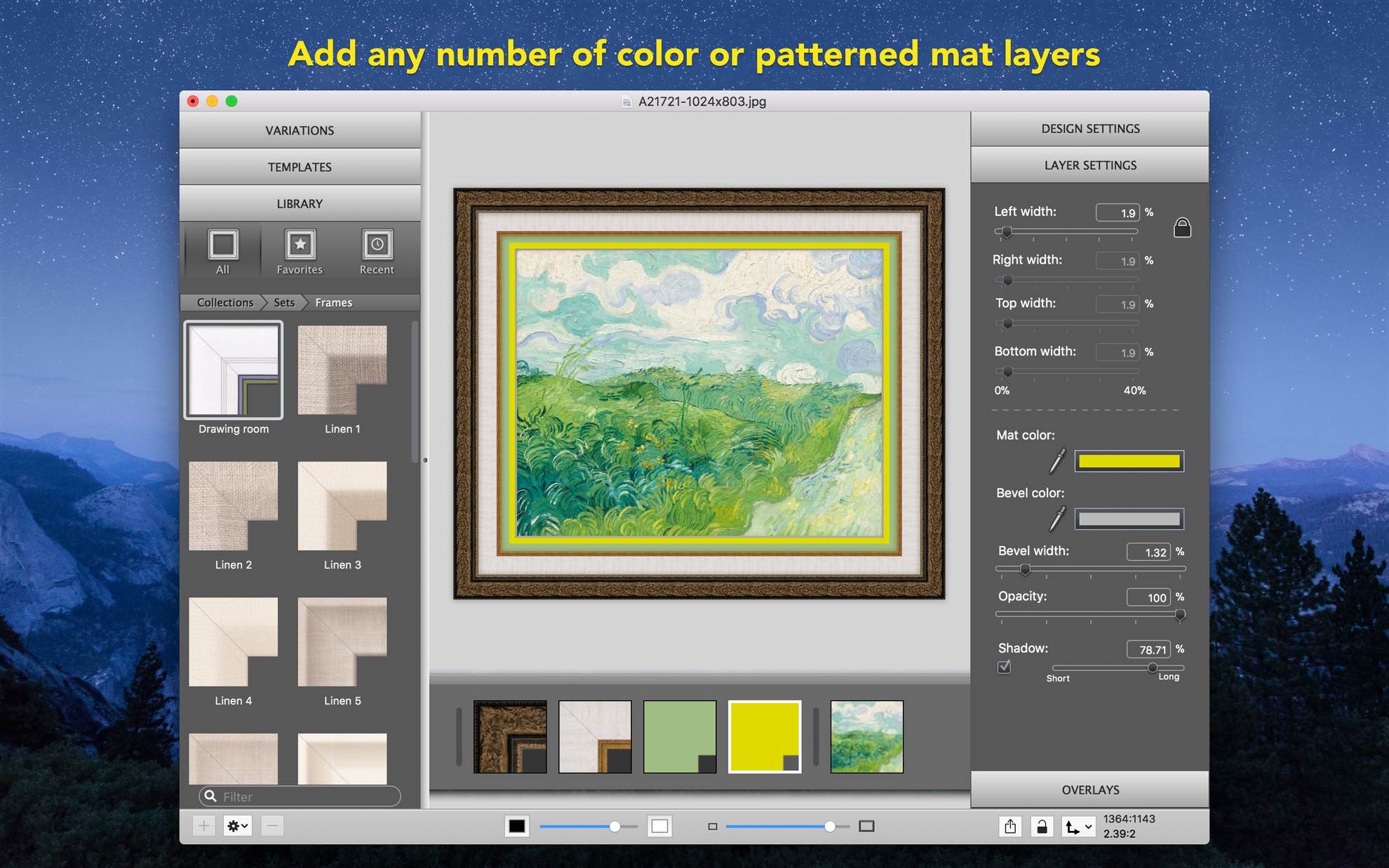
Mats
Add any number of color or patterned mat layers
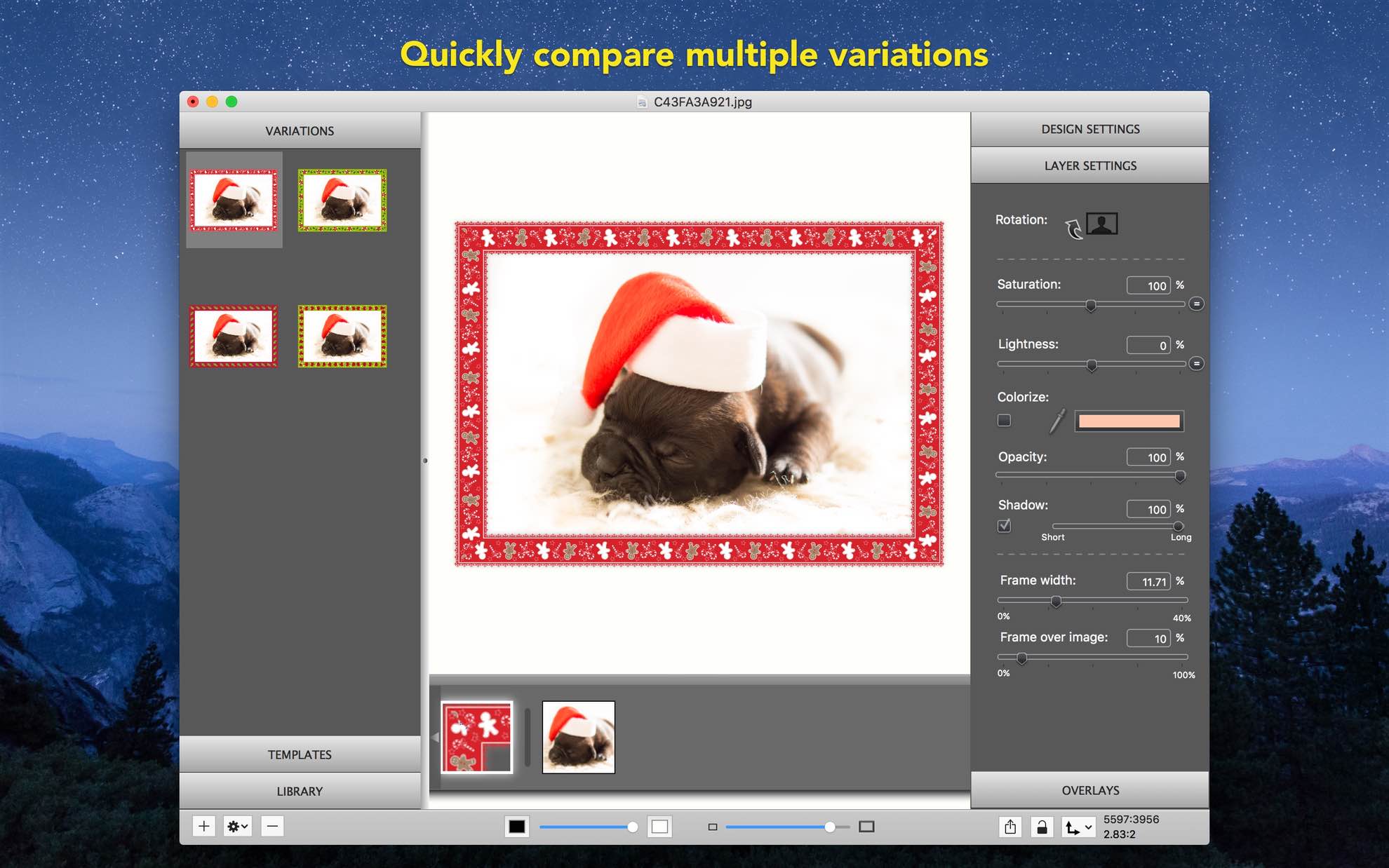
Compare designs
Quickly compare multiple variations
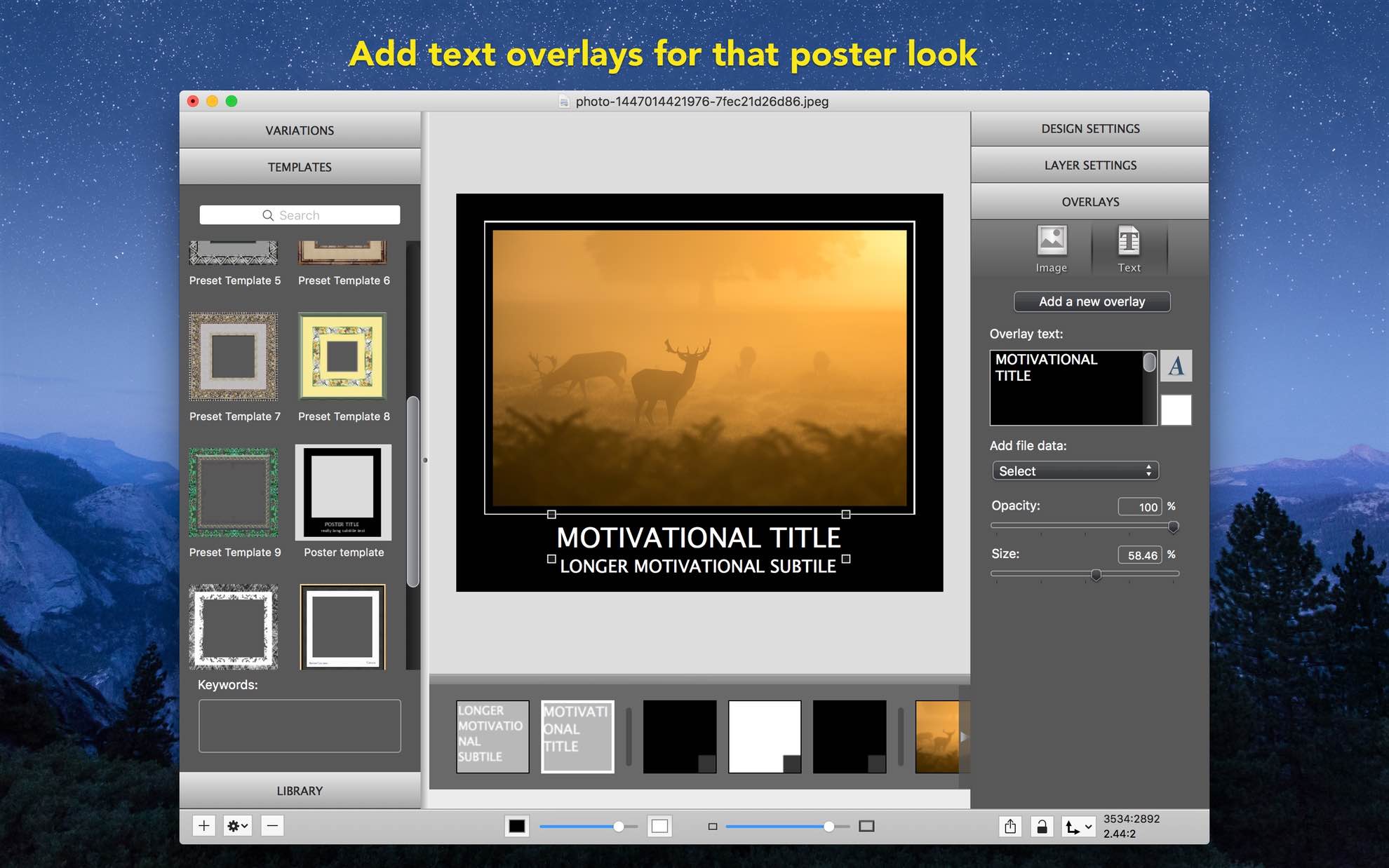
Text Overlays
Add text overlays for that poster look
Frame Designs
There are over 800 beautiful frame designs available with more being added constantly
Extremely Versatile
Add text or image overlays, add multiple mat layers, control shadows and more
Color Adjustment
Customize frames by adjusting Brightness, Saturation, or colorizing the whole frame
Flexible Frame Width
Frame width can be easily changed independently of image size
Integrations
Add frames in Apple’s Photos or export framed images from Adobe Lightroom with a special plugin
Compare and Save Designs
Easily preview and compare your frame design variations to select the perfect one
Frame Editor
Frame Editor in Pro version lets you add and edit your own frames
Batch Processing
Process multiple photos with a template with the Pro version
Take a Look Inside
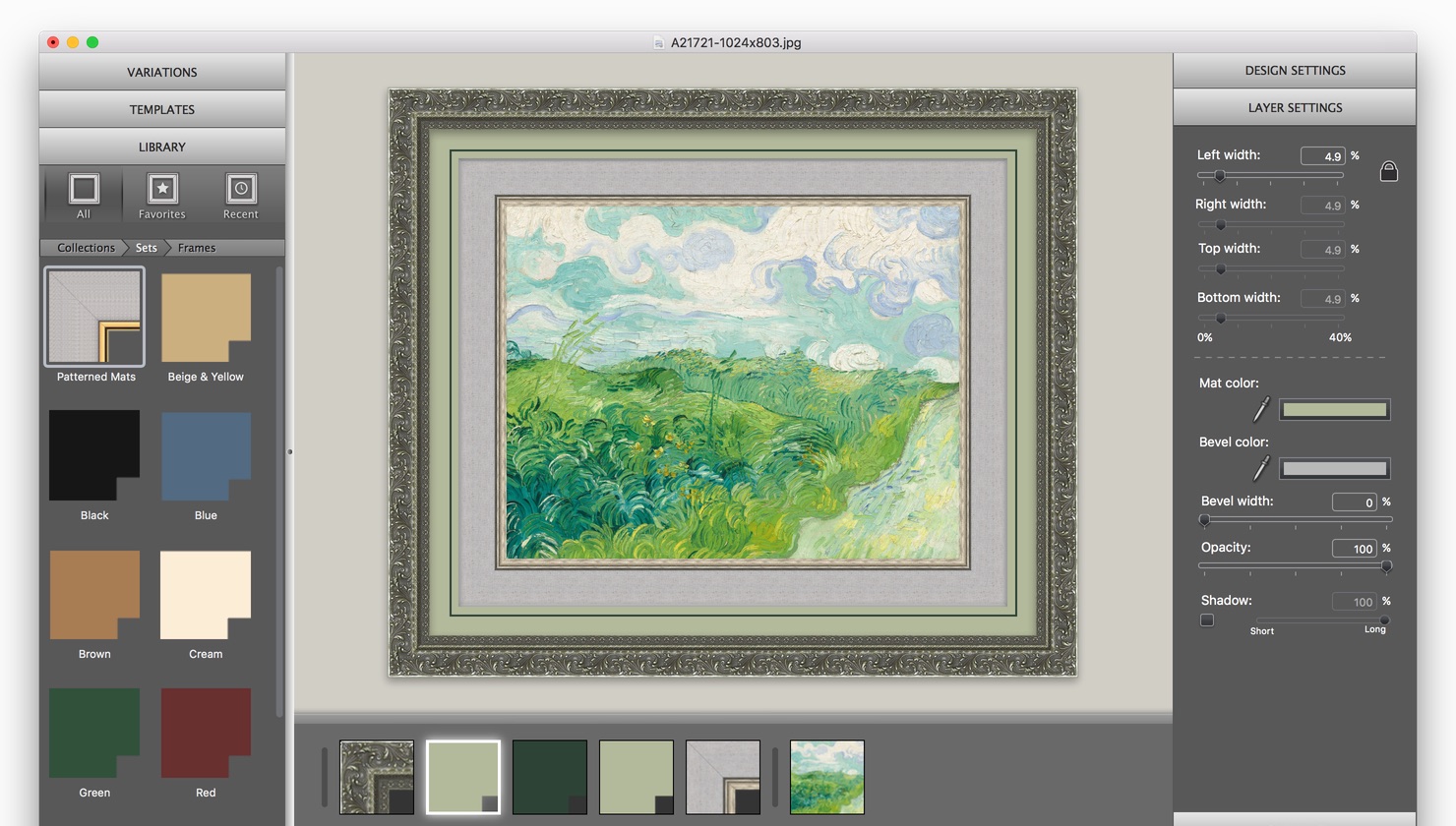
Photo-realistic framed art
You can even adjust shadows for that realistic touch
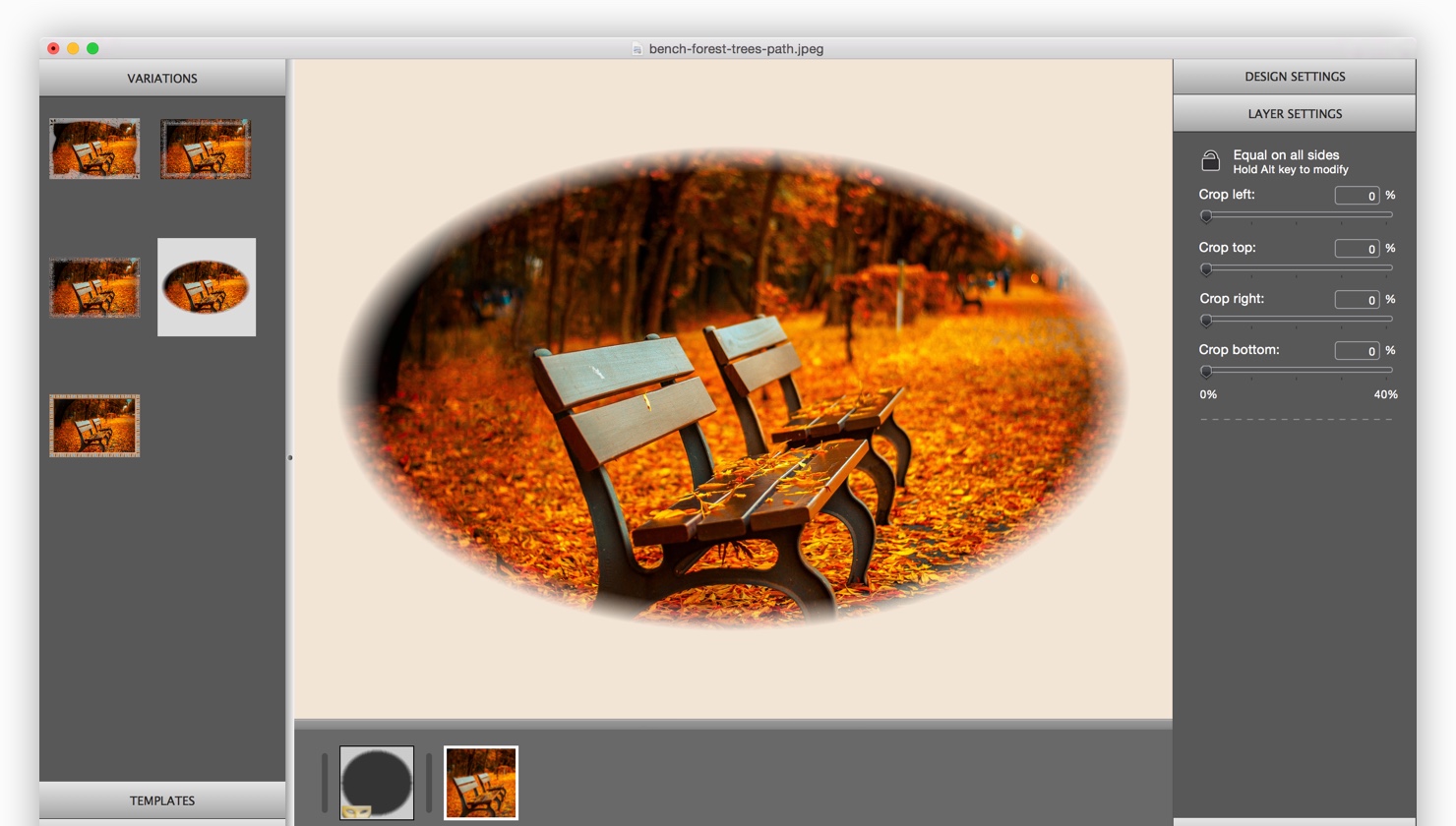
Masks
Cut out parts of photos with mask frames
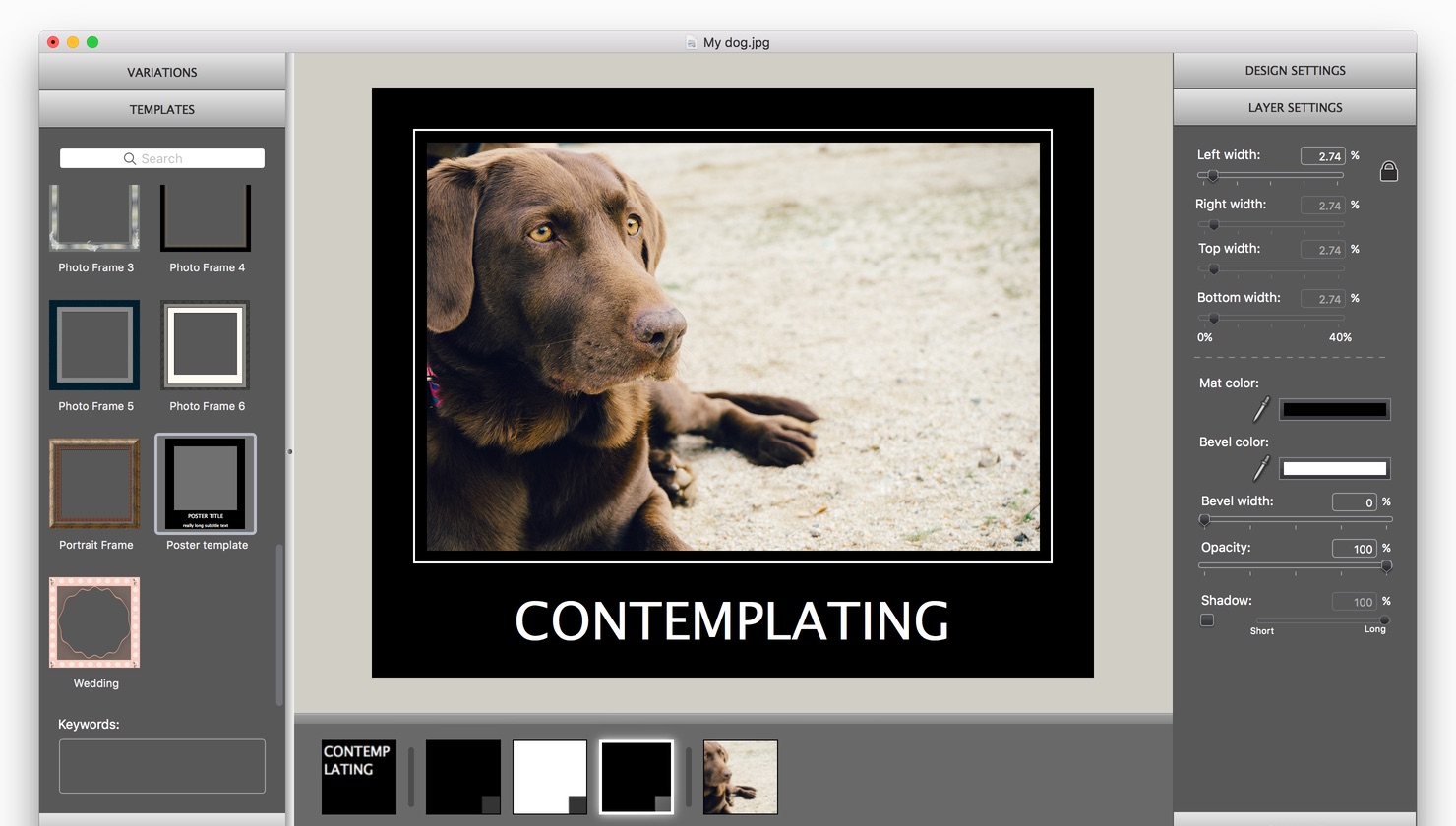
Photography
Use it for a gallery or for web portfolios.
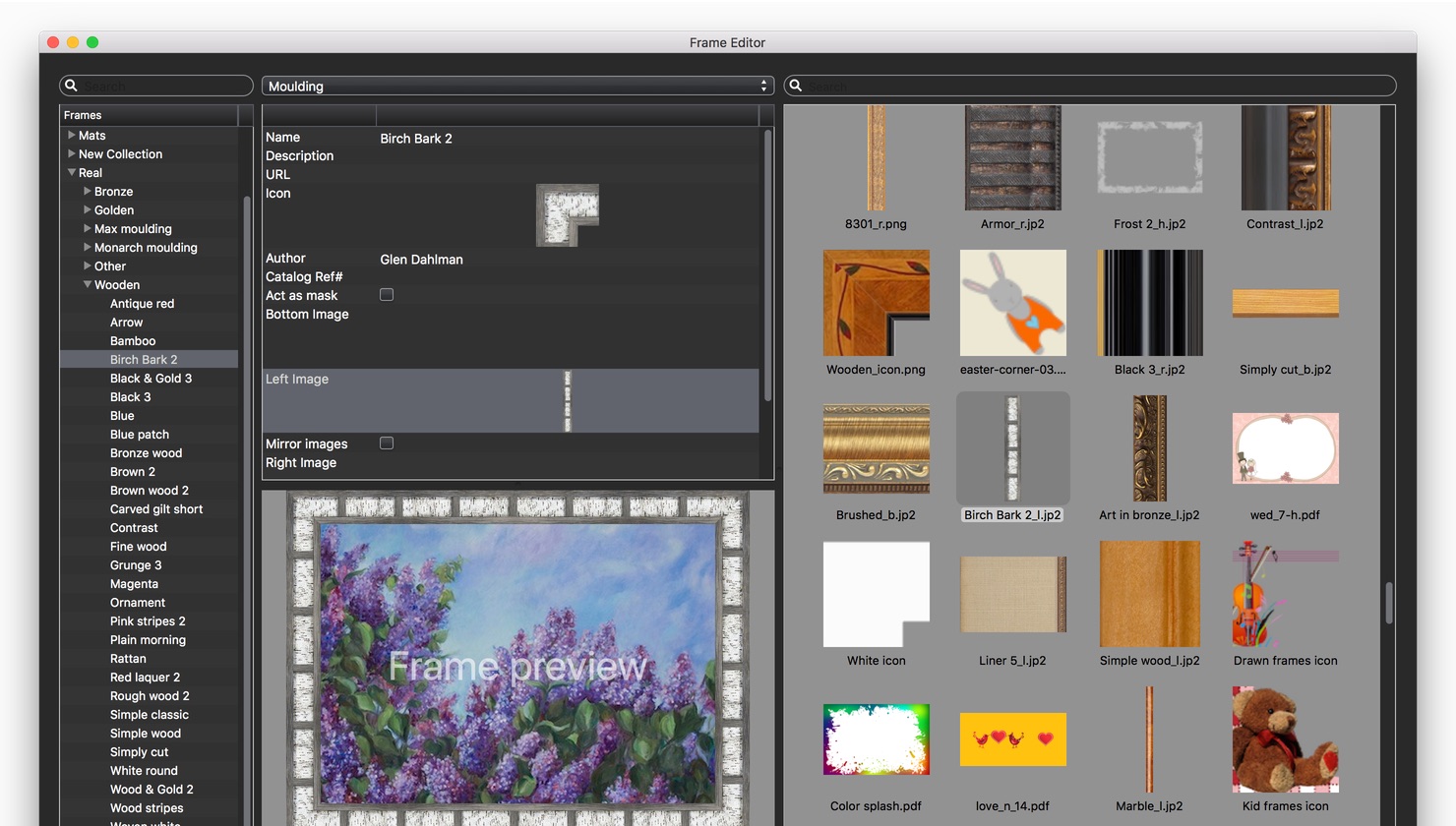
Frame Editor
Add your own designs to the library with the Pro version
Amazing software! Helps me to see my photography work as it would be framed, as for photographer this is very very helpful to make a decision how to display my work.
Highly recommend!
ImageFramer was given to me as a gift. I had started a business of selling digitized photo art and I wanted to show how it would look with mats and frames. This was a truly welcome gift.
This program has been so helpful.
I’ve been able to select compatible colors for the mats and select the appropriate sizes. The selection of frames has been very helpful. They also could be made any width I might need.
I use it every day in order to better show my art work in photos on my selling sites.
I’ve even started to sell art with printed “faux mats” thanks to ImageFramer.
I’m an architectural photographer in Miami, Fl. Many times when photographing an interior, the architect hasn’t yet received the artwork that will eventually be hung. After the desired artwork is selected and given to me as a file, I use ImageFramer to frame the piece and Photoshop it onto the wall area.
The results are amazingly real. Everyone is happy.
ImageFramer gives me quality and elegant results every time.
As a dealer in rare historical manuscripts, presenting engagingly framed images on our website gives visitors a rich, elegant experience that mere photos alone can’t communicate.
ImageFramer, a truly superb product, is alone in its class for achieving somewhat magical transformations.
For our purposes,
it is an indispensable tool.
Availability and System Requirements
ImageFramer 4.5 requires macOS Mojave (10.14) or higher
If you use OS X 10.11 to 10.13, download version 4.2.3
If you use OS X 10.8 to 10.10, download version 3.4
If you use an earlier OS X version, download version 3.1.2